


Greetings from Zamboanga City
Café to café, around the city.
A hand-checked guide to the city’s cafés: real hours, dated menus, a quiet map and the pop-ups happening soon. Libut Café is visiting every café in person.

- For iPhone and Android
- Zamboanga City, Philippines
Coming soon to the App Store and Google Play. Free, with no ads.
libut
to go around, to roam.
Which is the whole idea: going around Zamboanga City, one café to the next. Look closely at the name, too. The u is a cup with steam rising, and the dot on the i is a coffee bean.
A short hop through the app
What a café guide should tell you before you go: is it open, how far is it, what does a latte cost, and can you work there.
-
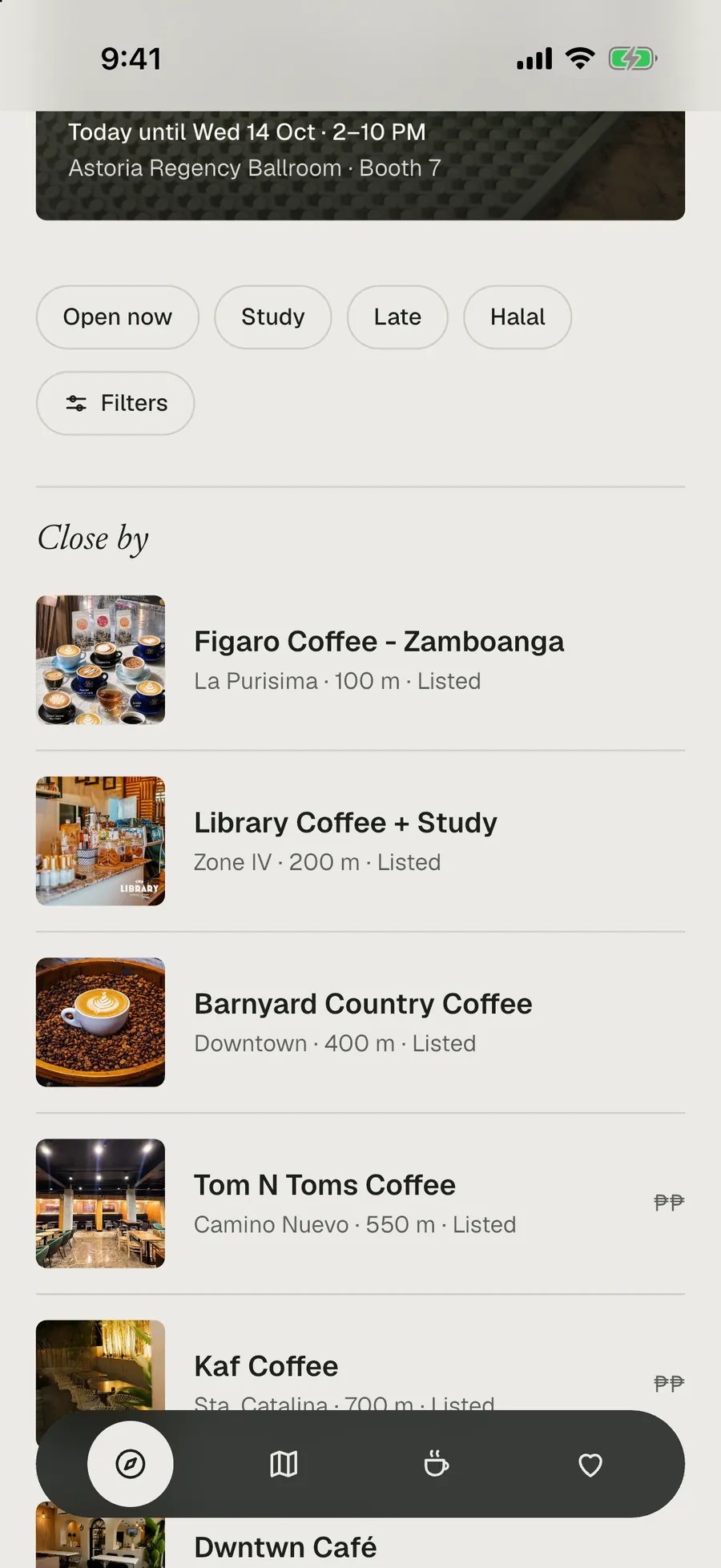
What’s open, and close by
Discover opens on Today’s pick and “Happening soon”, with pop-ups’ dates, hours and booth. Below them, Close by lists cafés by distance once you share your location.
- Open now, Study, Late and Halal, one tap each
- Patchy signal? It opens with the last café list
-
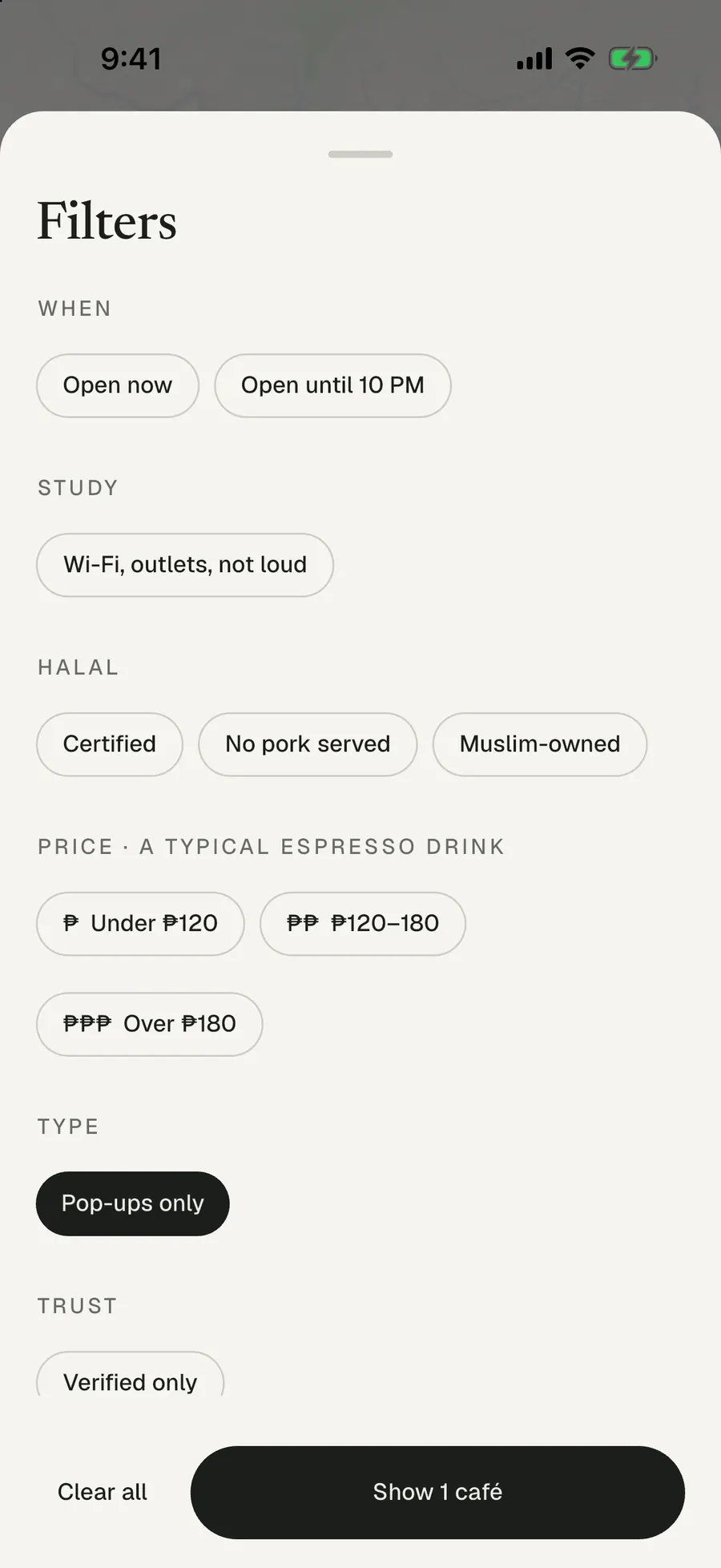
Find the right one
Search by name, branch, barangay or area. One set of filters works across the whole app and tells you how many cafés match before you apply it.
- Open now, or open until 10 PM
- Study-friendly: Wi-Fi, outlets, not loud
- Halal detail, price, pop-ups, verified only
-
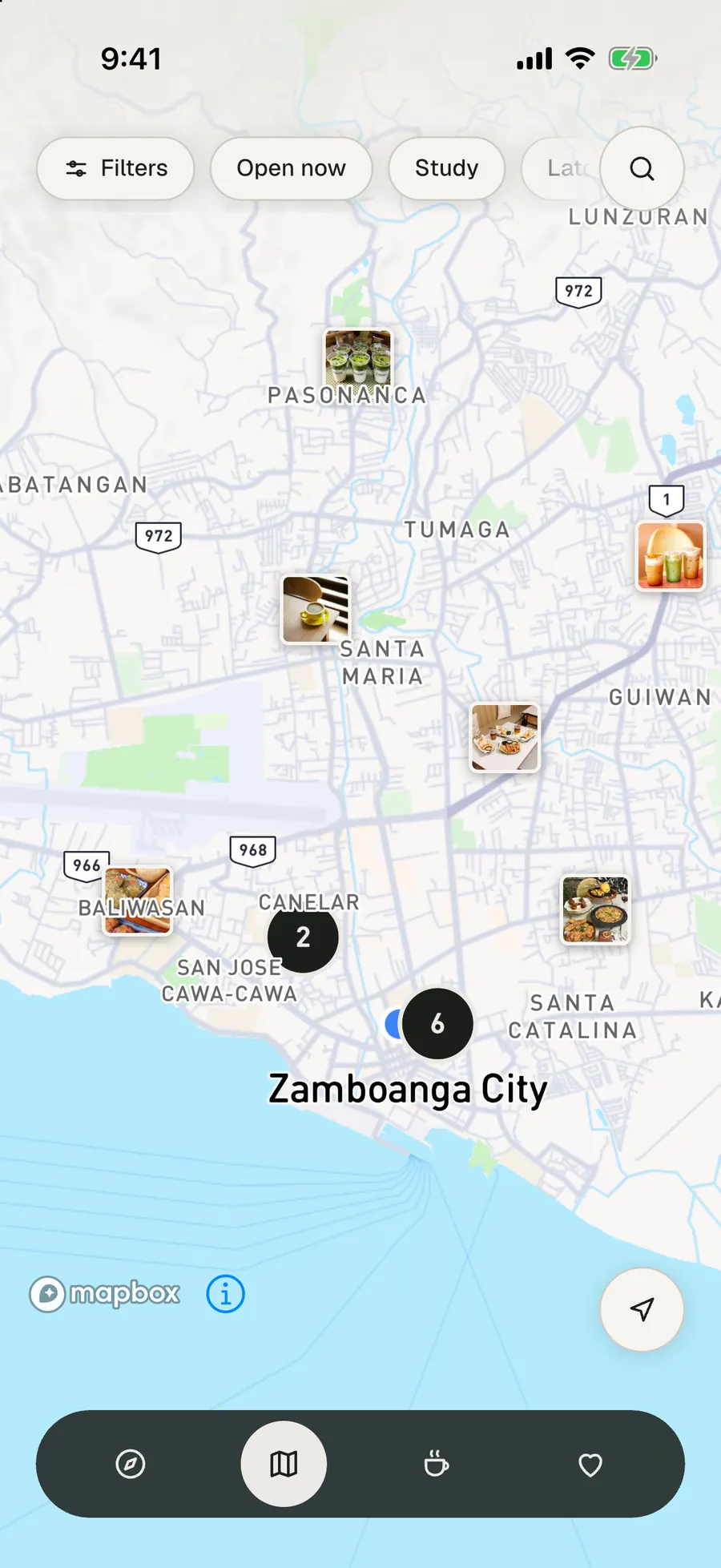
A map that stays quiet
Just the cafés, as small square photos on a soft map of the city. Tap one for its card, then the card for the whole page.
- Cafés close together gather into a counted circle
- Pop-ups are pinned where their next event is
- Your location shows only after you ask
-
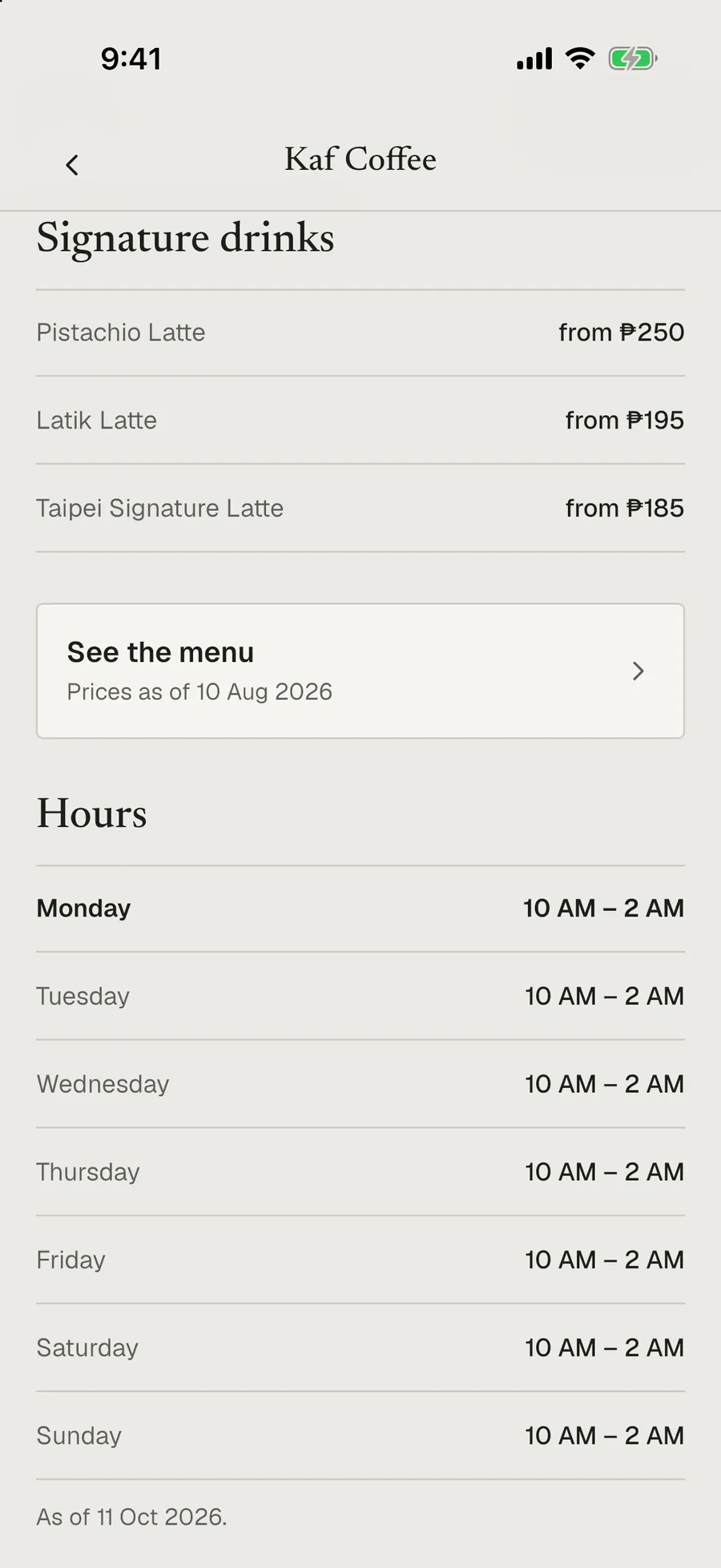
One honest page per café
Photos, whether it’s open right now, signature drinks, study details when they’ve been checked, and halal status exactly as recorded, never assumed.
- Hours marked with the date they were checked
- Directions in Google Maps, Waze or Apple Maps
- Messenger, Instagram, text or call, where the café gave one
-
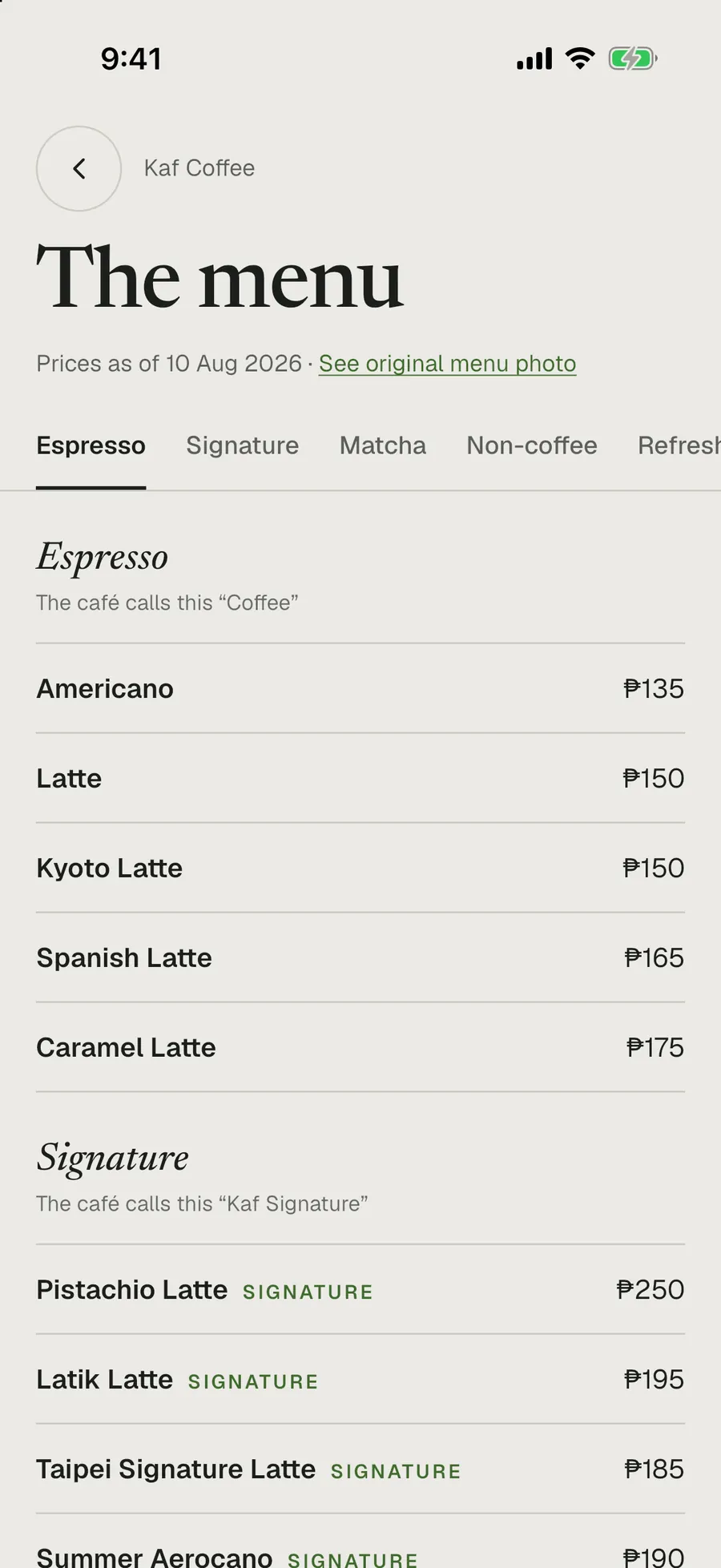
Menus with a date on them
Every menu says when its prices were checked and links to the café’s original menu photo, with the café’s own section names.
- “Prices as of” on every menu
- Sizes and add-ons as the café lists them
- A “may have changed” note after six months
-
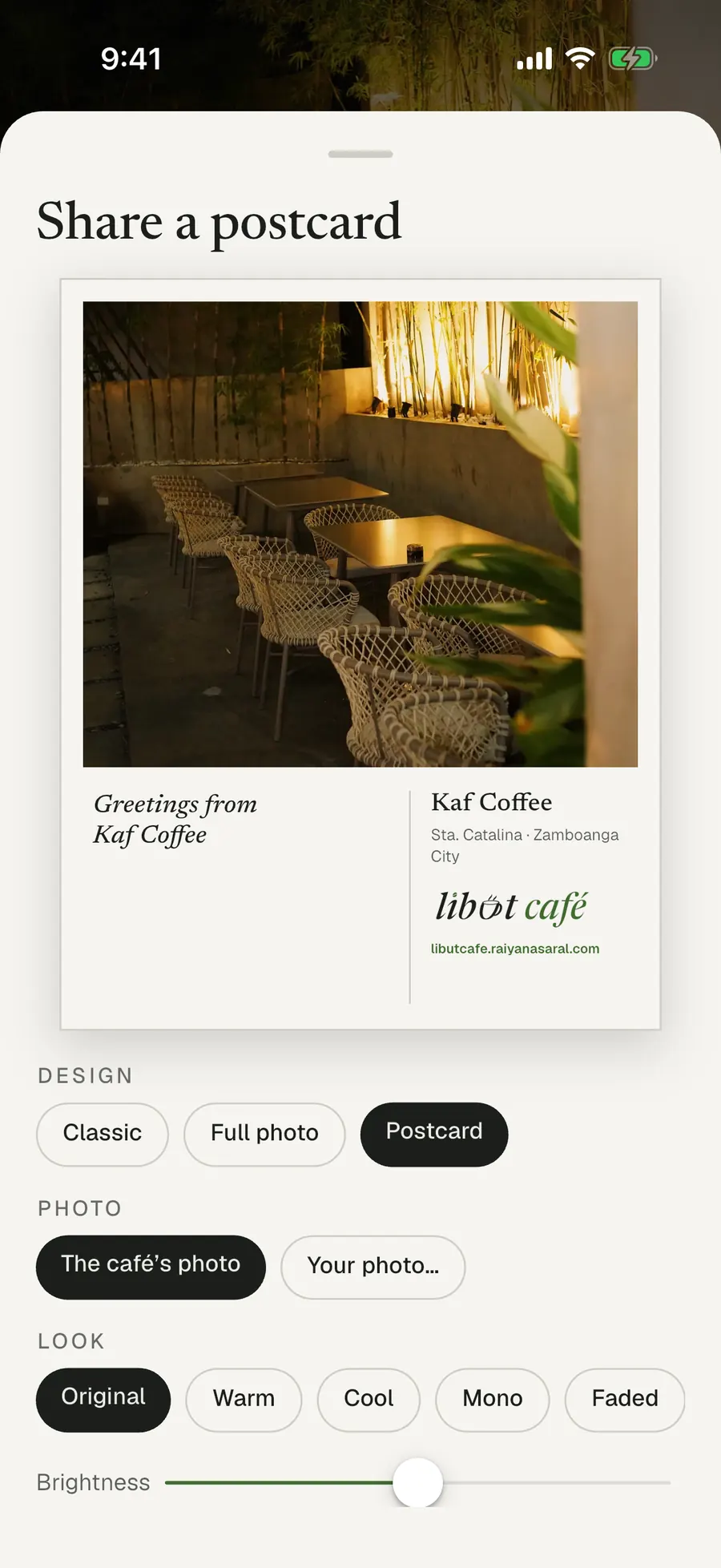
Send a café as a postcard
Turn any café into a postcard to share, in one of three designs, with the café’s photo or one of your own.
- Classic, Full photo or Postcard
- Original, Warm, Cool, Mono or Faded
- Shared wherever you like

Your corner, kept on your phone
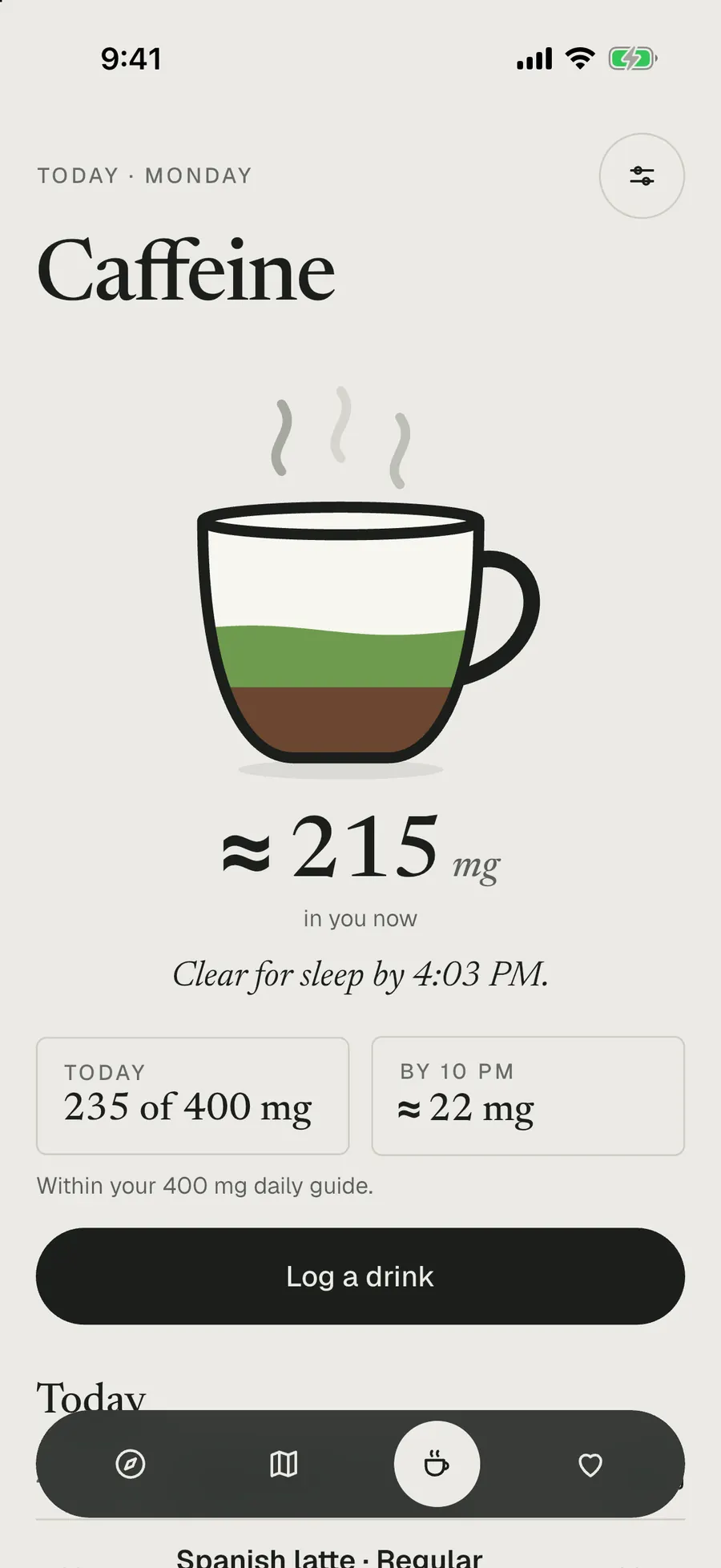
Saved cafés, private notes and a caffeine diary stay on your phone. Log a drink in two taps and see roughly how much caffeine is in you now, and when you’ll be clear for sleep.
- 16 drinks in 3 sizes, sipped or in one go
- A week and month view, and which drinks still fit before bed on a café’s page
- Widgets for your Home Screen and Lock Screen
- Estimates from typical drinks, not medical advice
A freedom wall for each café
Leave a short note on a café’s wall, written only while you’re there. Anyone can read it; notes can be reported or hidden, and they’re moderated.
Help keep it right
Suggest a café, claim yours as the owner, or report wrong hours or a closure, all from inside the app.
Light or dark
Libut Café follows your phone’s light or dark mode, and so does this page.
Screens from a development build in the iPhone simulator, captured 12 October 2026 with the live café list. Café photos belong to the cafés and are credited in the app.
Listed first. Verified once visited.
You always know what’s been checked. Libut Café is visiting every café in person; until then, a café says Listed.
Listed
Built from the café’s own public pages, dated and credited. Until a visit, photos may come from customers’ public posts or the café’s logo, and some details may still be missing.
Verifiedwith the month of the visit
Visited in person. Wi-Fi, outlets and noise get checked, Libut Café’s own photos go up, and the seal says when. Six months later, it’s due another look.
What Libut Café won’t do
- Copy ratings, reviews or photos from Google.Any rating on a café comes from Libut Café’s own visit.
- Let anyone pay to rank higher.Anything paid for is labelled Sponsored, and it never changes the order of lists, search, the map or filters.
- Call a café halal unless it’s been checked.Halal shows only as certified (with the certifier), no pork served, or Muslim-owned. Anything else says “Not verified”.
- Pass off old details as new.Every menu has a date, and hours more than six months old say “Unconfirmed”.
No ads. No sign-in needed. Your location stays on your phone.
The app counts anonymous taps, like which cafés are opened, to see what’s popular; switch that off in About, under “Share anonymous usage”. The map comes from Mapbox, which receives anonymised usage and location data; you can turn that off from the ⓘ on the map. The rest is in the privacy policy.
Own a café?
Claim it in the app to keep your hours and menu right. Being listed is free, and paying can never change where a café appears.
How listing and claiming workNot in the stores yet
Libut Café is coming to the App Store and Google Play. Before launch, more cafés are being added and checked, and optional sign-in is being built, so your saved cafés can follow you to a new phone.
Questions in the meantime: libutcafe@raiyanasaral.com
See you around the city.